





You can't log in
Enter your registered email address and password manually if your password manager fills in old details. If you've forgotten your password, you can reset it by email using «Forgot password».

Your casino on the go.
Play directly in your browser on iPhone or Android. You can use your existing Alawin account and add a shortcut to your home screen for your next visit.
18+. No app download is required to play in your browser.
Sign in on your smartphone using the same registered email address and password you use on your computer. You don't need a second account. If you're new to Alawin, you can register once using «Create account».
You can find our slots and live casino games in the casino menu. You need a stable internet connection to play, even when opening the casino from a home screen shortcut.
Create the shortcut while our casino is open in your browser. You can then use the new icon to open it without typing in the website address every time.
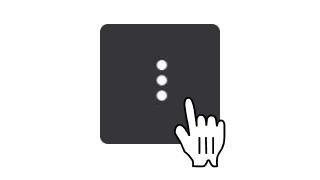
Open our casino in Chrome. You can create a home screen shortcut from the browser menu.
Tap the three dots in Chrome's menu.
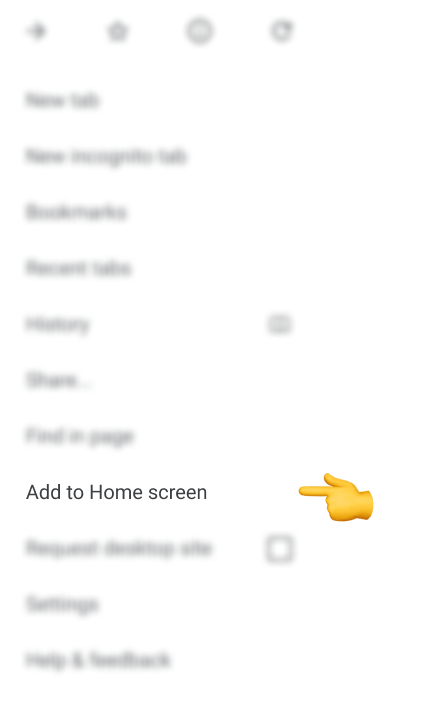
Select «Add to Home screen» from the browser menu.
Give the shortcut a name and confirm that you want to add it. You can then open the casino using the new icon.
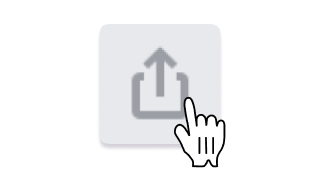
Open our casino in Safari. Use the Share menu to add an icon to your Home Screen.
Tap the Share icon in Safari.
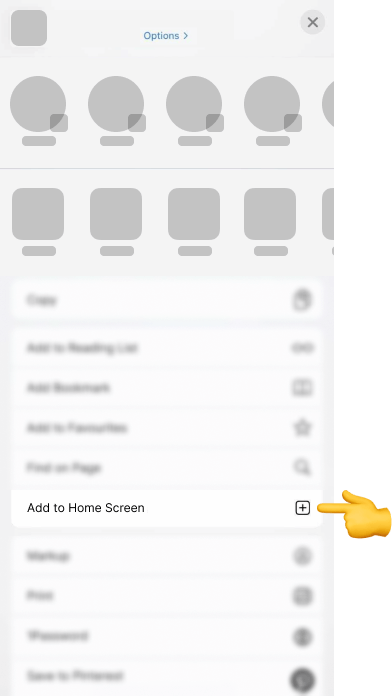
Select «Add to Home Screen» from the Share menu. Depending on your iOS version, you may need to scroll down.
Choose a name and confirm by tapping «Add». The icon will then open the casino.
Menu labels and their positions may vary depending on your browser and operating system version. If the option is missing, you can still access our casino directly in your browser.
You can play on your phone without downloading an APK file or an app from the App Store or Google Play. The home screen shortcut opens the casino in your browser. It does not install a separate casino app.
If you're unsure whether a download file comes from us, ask our team at [email protected]. Don't install it until you've confirmed its source.

Choose our welcome package when you register. Each stage requires a separate deposit of at least CHF 22. Activate the stage under «My Bonuses» before playing with the corresponding deposit.
Adding a home screen shortcut does not unlock an extra bonus. Free spins, wagering requirements and time limits depend on your chosen promotion.
Explore the welcome packageEnter your registered email address and password manually if your password manager fills in old details. If you've forgotten your password, you can reset it by email using «Forgot password».
You can still open the casino in your browser. Remove a shortcut that isn't working and create a new one in your browser. This won't delete your Alawin account.
If a game won't load, update your browser and try again with a stable Wi-Fi or mobile data connection. If winnings are missing or your balance is incorrect after a disconnection, tell our support team the game title, time and round ID, if available.

For other issues, contact us at [email protected]. Include your device, browser and any error message. Never send us your password.
Login helpNo. You can play in our casino directly through your browser on iPhone or Android. You don't need an APK or a download from the App Store or Google Play.
Open the casino in Chrome and select «Add to Home screen» from the three-dot menu. Confirm the shortcut name. The option may have a different name depending on your browser and Android version.
Open the casino in Safari and select «Add to Home Screen» from the Share menu. Then confirm the name and tap «Add». If the option isn't available, you can still play in your browser without a shortcut.
No. Sign in on your phone with the same email address and password you use on your computer. You don't need to register again to use a home screen shortcut either.
No. You need an internet connection to open the casino and play. This also applies when you launch Alawin from your home screen icon.
No. Adding the casino to your home screen does not unlock an extra bonus. The deposit, activation and wagering terms for our welcome package and other promotions still apply.
No. You are only removing the shortcut from your device. You can still access your Alawin account in your browser using your existing login details.
Don't save your password on someone else's device, and always sign out when you're finished playing. Only gamble with money you can afford to lose. If you need a break, contact our support team.
Responsible Gambling